
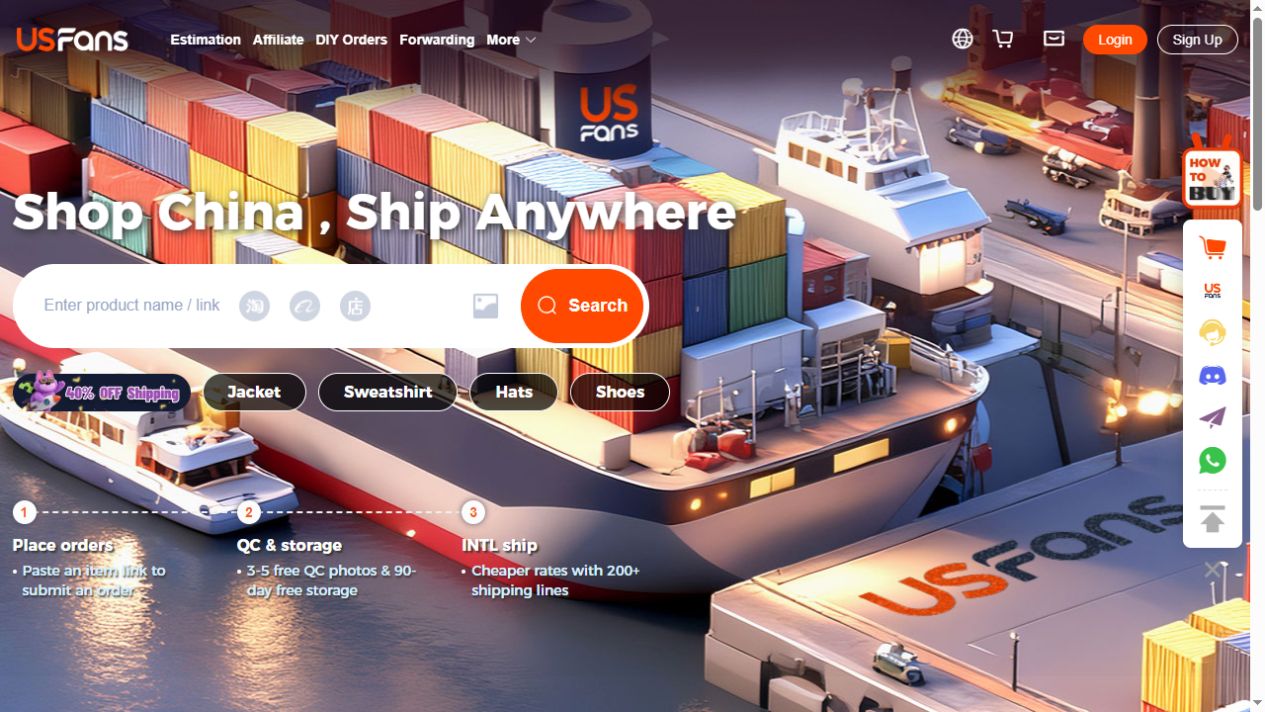
USFans Website: Get to the Right Page Before You Sign In
A USFans website search can lead to several different kinds of page: a shopping account, a product collection, a discussion or an explanation of how ordering works. They do not all need your account details. Decide what you came to do before treating a page with a familiar name as a login destination.
If you want product ideas, start with the USFans spreadsheet. If you already have an order and need to recover access, use the account and login guide. Keeping those tasks separate helps you avoid entering private information into a page that only needs to display a product.
Read the address after the page has opened
A title, logo or search-result description is not the address of the destination. Look at the browser address bar after any redirects have finished. Check the whole hostname rather than finding the word USFans somewhere in a long address. A brand name can appear in a path or other text without identifying who operates the site.
Use an established entry saved from your own account setup, then compare it with the destination you are opening. A shortened link from a comment should not replace that reference simply because it leads to a similar-looking page. If the browser shows a connection warning, do not dismiss it just to reach checkout.
The secure-connection indicator describes the connection; it does not certify a seller's products, delivery promises or identity. Those require separate checks.
Match the page to the action
| What you need | What to confirm before continuing |
|---|---|
| Find a product | The listing, chosen option and destination still refer to the same item. |
| Open your account | You reached the expected account service, and the session belongs to you. |
| Read a parcel update | The parcel identifier matches your shipment, not just a similar tracking screenshot. |
| Ask for support | You are using a verified support channel, not a private message offering to take over your account. |
A public discussion does not need your password. A product recommendation does not need a one-time login code. If a page unexpectedly asks for either, stop and return through the entry you already trust. The USFans safety guide separates account checks from product and parcel risks.
When a saved link opens the wrong thing
First distinguish an expired product destination from an account problem. An unavailable listing does not automatically mean the entire service is down, and a signed-out session does not establish that an order has disappeared.
For a product, compare the original title, image, seller and option with the replacement destination. Do not silently substitute another listing because its main photograph looks similar. The spreadsheet links guide explains what to preserve when a saved destination changes.
For an account, open a fresh session through your established entry and note the exact message. Avoid making a second payment while you are merely trying to recover a page. For an order or parcel, preserve its identifier so support can address the correct record.
Keep browsing separate from account access
Suppose you saved a black-and-white low-top shoe. You can inspect its visible product details before deciding whether it belongs in your shortlist. That step does not require treating a shopping guide as your USFans account or assuming that a displayed product has already been ordered.
View the black-and-white Superstar listing on OG
If you decide to continue, return to the ordering guide for the distinction between choosing an item, purchasing it and arranging an international parcel.
Common questions
Is a page with USFans in its title necessarily the account website?
No. Titles can describe a guide or discussion. Check the final address and the page's purpose before entering credentials.
Should I trust an old bookmark forever?
A bookmark is a useful reference, not permanent proof. Watch for changed destinations, unusual requests and browser warnings when you use it.
Does an inaccessible product page prove the platform is offline?
No. A listing, session, connection or broader service issue can produce different failures. Record what actually failed before drawing a wider conclusion.