
USFans Payment Failed: Reconcile the Attempt Before Trying Again
A failed-looking checkout does not tell the whole story of a USFans payment attempt. The page may show an error while the order record or payment provider shows a different state. Before repeating the action, identify the intended purchase and compare the available records for that same attempt.
Do not assume an order was created because you pressed pay, or assume nothing happened because the page did not return as expected. The next useful step is to establish the state, not to generate another attempt immediately.
Identify what you were paying for
Distinguish a product order, an account top-up and a parcel-shipping payment. Record the account, amount, currency and time, plus the relevant order or parcel reference if one exists. An increase in account balance and payment of a particular order are not interchangeable observations.
The spreadsheet guide separates product choice from later transaction stages. The shipping guide explains why a parcel payment concerns a different charge from the original merchandise purchase.
Compare the transaction and order records separately
Read the exact status shown in the account and by the payment provider. Keep pending, declined and completed wording distinct; do not translate them all into a single outcome. If a transaction reference is supplied, retain it privately with the relevant attempt.
| Observation | Question to resolve |
|---|---|
| Checkout page reports an error | What do the account and payment records show for that attempt? |
| Payment record remains pending | What does the provider say that state means for this transaction? |
| Order is not marked paid | Was the attempted payment for that order, a top-up or another charge? |
| More than one amount appears | Which reference and time belong to each attempt? |
These are investigation prompts, not a diagnosis of your transaction. The actual provider and platform records determine what happened.
Preserve the message, not just the word failed
Keep the complete response and when it appeared. Check whether the message concerns an entered detail, an authentication step, an unavailable method or a different issue. Do not guess the cause from a generic error banner.
If the process directs you to verify a payment through your provider, use that provider's recognised channel. Do not send passwords, one-time codes or full card details to somebody offering to fix the transaction in a public chat.
The safety guide covers unexpected messages. A real checkout difficulty does not make an unsolicited payment link trustworthy.
Resolve uncertainty before another attempt
If the account and payment records disagree, ask the relevant support channel to clarify the specific transaction. Supply the amount, currency, time and appropriate reference privately, with only the necessary information visible in attachments.
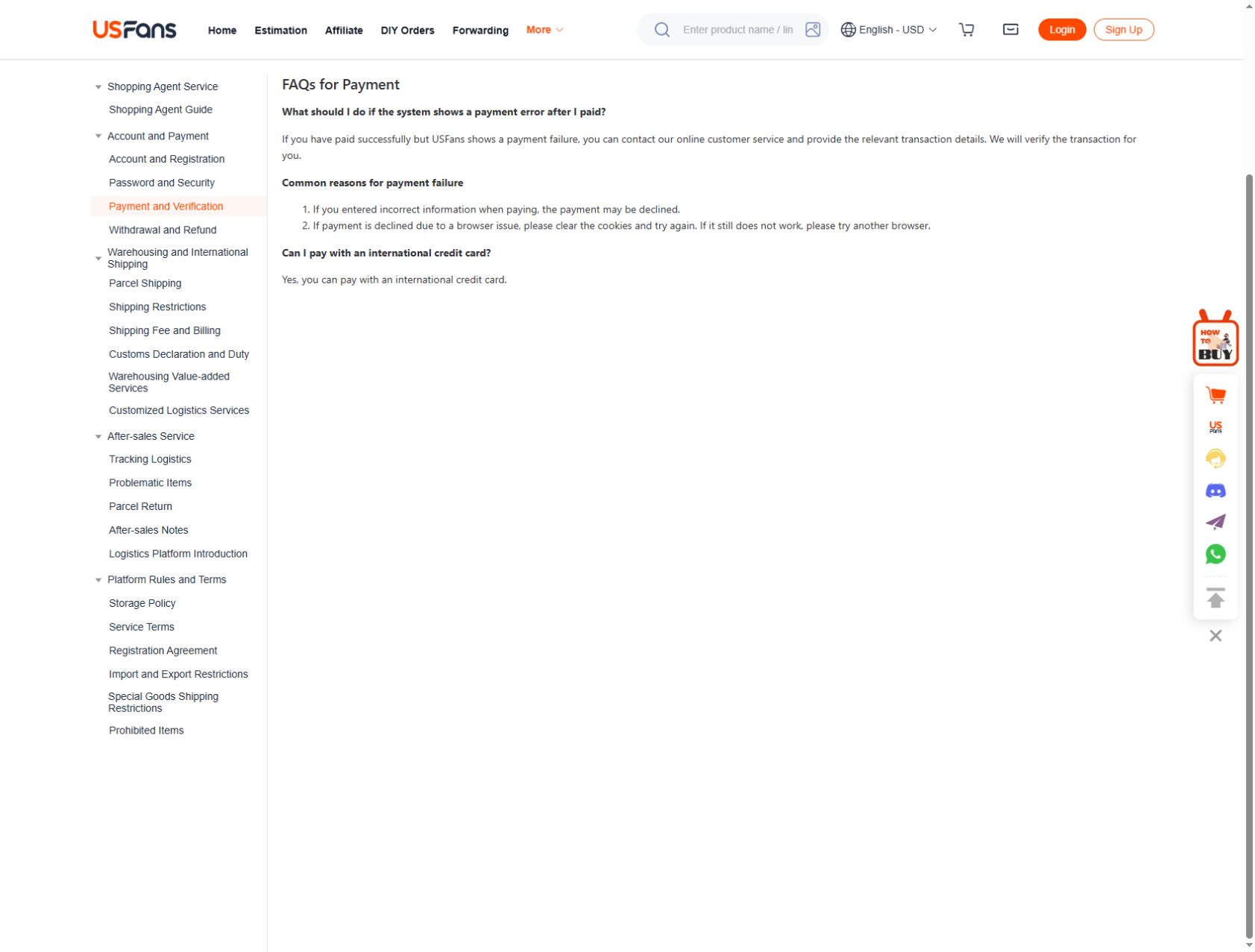
USFans' payment-help instructions checked on 30 September 2026 address a specific mismatch: the payment provider reports success while USFans shows failure. The instruction is to contact online support with the relevant details. Keep the original attempt identifiable while that discrepancy is resolved, rather than treating the failed-looking page as permission to pay again.
Do not create repeated payments as a test. Where a provider supplies instructions or an expected processing window for the actual transaction, retain them with the record rather than substituting a time quoted by another buyer.
The support guide helps frame one clear question: what is the status of this attempt, and what action is required now? Avoid mixing a pending top-up, an unpaid order and a separate refund into an unexplained total.
Check whether the offer or total changed
Before any later confirmed attempt, recheck the selected items or parcel, quantity, currency and payable amount. A coupon or basket change can make the new summary different from the one you originally reviewed.
The coupon guide explains how to compare totals at the same stage. Do not assume a rejected promotion means the payment itself failed, or that a successful payment proves every advertised discount was applied.
Keep a purchase candidate out of the transaction diagnosis
A saved listing identifies what you wanted to buy, but it does not prove the result of a payment. Keep the product selection and the transaction record connected without treating one as evidence of the other.
Inspect the T-shirt listing on OG before revisiting the selection
Use the spreadsheet links guide to retain the exact option while the account question is resolved. Browsing again should not be confused with placing a replacement order.
Payment-error questions
Should I keep pressing pay until it works?
No. First establish what happened to the preceding attempt so you do not create unnecessary duplicate transactions or orders.
Does a pending record prove that my order is paid?
It does not by itself establish the order's completed payment state. Read both records and ask the relevant provider or support channel about any unresolved difference.
Can a screenshot of an error prove that no charge occurred?
Not on its own. Preserve it as part of the timeline, then compare it with the transaction and account records for the same attempt.
What if the issue is a refund rather than a new payment?
Keep it attached to the original case and the stated refund destination. The returns guide separates approval from the recorded receipt of money.